AI Empty Room Design: Furnish and Style Blank Spaces in Minutes
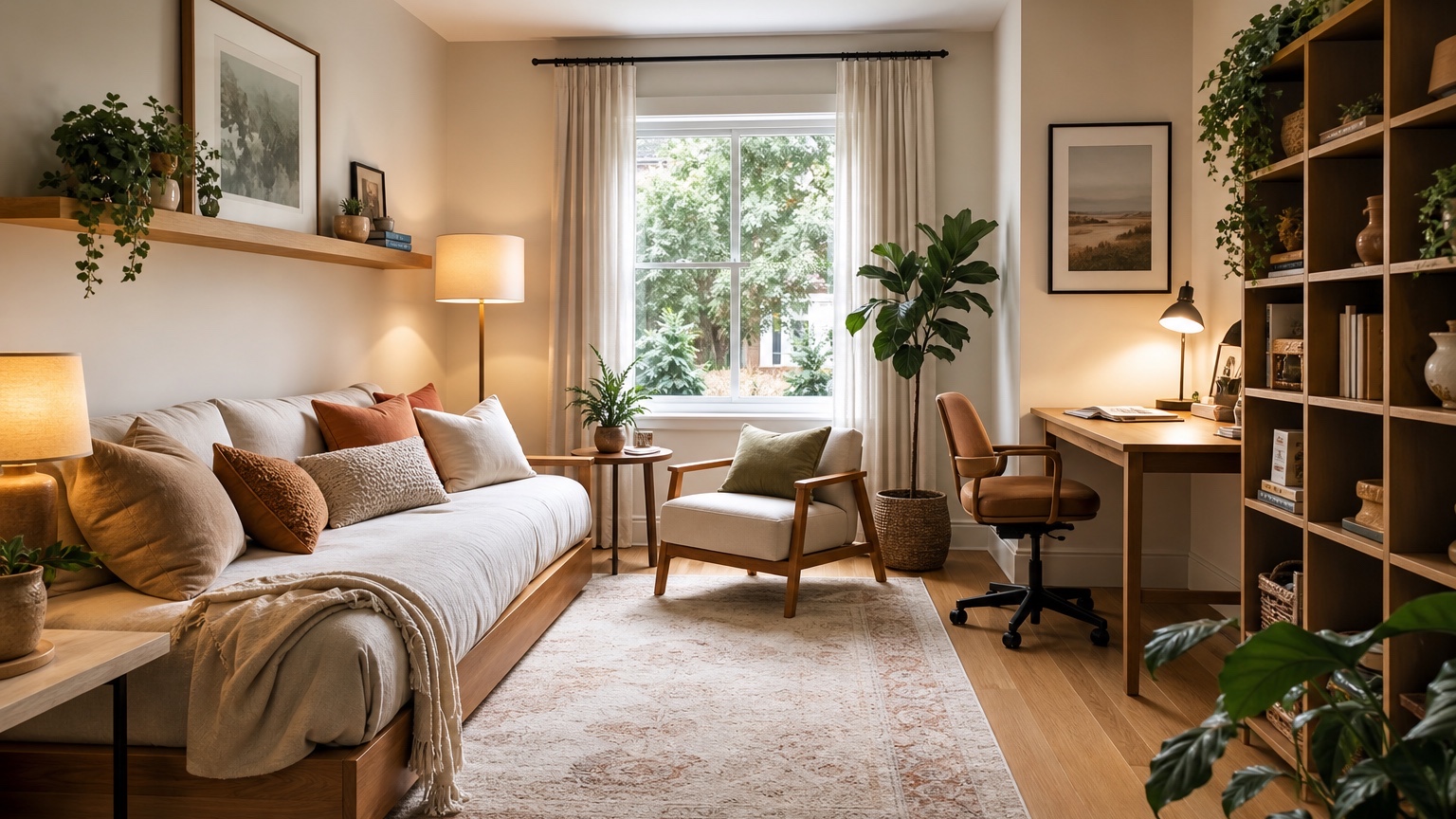
A vacant room can be harder to plan than a messy one. With no sofa, bed, rug, table, or art to react to, every choice feels open: where should the main seating go, how large can the dining table be, does the room need one zone or two, and what style will help a buyer or homeowner understand the space? AI empty room design gives that blank shell a first pass of furniture, scale, circulation, and mood so the next decision is not made from a bare floor and four walls.
This is especially useful for home stagers, listing agents, homeowners moving into a new property, and anyone trying to convert an unfurnished room into a practical concept quickly. The output should not be treated as a measured furniture plan. It is a visual planning draft: fast enough to compare options, realistic enough to expose layout issues, and specific enough to become a checklist for staging, shopping, or client discussion.
RedesAIgn can support that early planning work with 10 AI editors, prompts, remix and reference images, saved prompts, and history. You can start with 5 free credits without a credit card. If a listing, move-in plan, or staging package needs more variations, one-time credit packs are available. Images created for a real estate, staging, or design workflow can be used commercially, which matters when concepts need to support client-facing decisions.
Start by reading the empty shell
Before generating anything, study the room like a floor plan. Empty rooms give useful clues if you know what to notice: window placement, door swings, outlet locations, fireplace position, ceiling height, views into adjacent rooms, built-ins, radiators, baseboard heaters, awkward corners, and the path people will naturally take through the space. The AI prompt should be based on these fixed features, not just a style label.
For a living room, the first question is usually orientation. Should seating face a fireplace, view, television wall, or conversation group? For a bedroom, the bed wall comes first, then nightstand clearance, dresser placement, and closet access. For an open-plan room, you may need to divide the empty area into living, dining, entry, work, or reading zones without making the room feel chopped up.
Photograph the blank space from a corner or doorway with the camera level. Include as much floor, ceiling line, windows, and door openings as possible. If the room is long, L-shaped, or connected to another room, take more than one view. A single cropped wall photo may produce attractive staging, but it will not help with circulation or furniture scale.
If you are using AI empty room design for a listing, keep the photo honest. Do not stretch the walls, hide a radiator, remove a column, or make a compact bedroom look like a primary suite. Good virtual planning helps people understand the space. Misleading scale can create disappointment during showings.
Prompt for zones before finishes
An empty room prompt should solve layout first and styling second. If you ask for “a beautiful modern room,” the result may fill the image with trendy pieces without answering whether the sofa blocks the patio door or the dining chairs have room to pull out. Start with zone purpose, traffic flow, and scale.
For a blank living room, try: “Use this empty room photo to create a realistic furnished concept. Preserve the windows, doors, floor, ceiling, fireplace, trim, and room proportions. Plan a comfortable seating zone for conversation, keep clear walking paths from the entry to the hallway, use furniture scaled for the room, add a rug, lamps, side tables, art, and simple styling. Avoid changing architecture or adding built-ins.”
For a vacant bedroom, try: “Furnish this empty bedroom with a queen bed, two nightstands if space allows, practical lighting, a dresser or small storage piece, rug, curtains, and calm bedding. Keep closet doors, windows, flooring, ceiling, and wall shape unchanged. Leave clear access around the bed and do not make the room appear larger than it is.”
For a stager preparing alternatives, try: “Create three staging directions from this empty room photo: buyer-friendly warm neutral, compact modern apartment, and family-friendly relaxed traditional. Keep all architectural features unchanged. Vary furniture layout, rug, lighting, art, plants, and accessories only. Prioritize believable scale and uncluttered circulation.”
Reference images can help when the room needs a specific sales mood. A stager might use a reference for “light transitional living room” or “small urban dining nook,” while a homeowner might use one for preferred palette and furniture shapes. In the prompt, limit the reference to style, color, or material cues so it does not replace the actual room proportions. RedesAIgn’s reference image support is useful here because the reference can guide taste while the empty room photo remains the anchor.
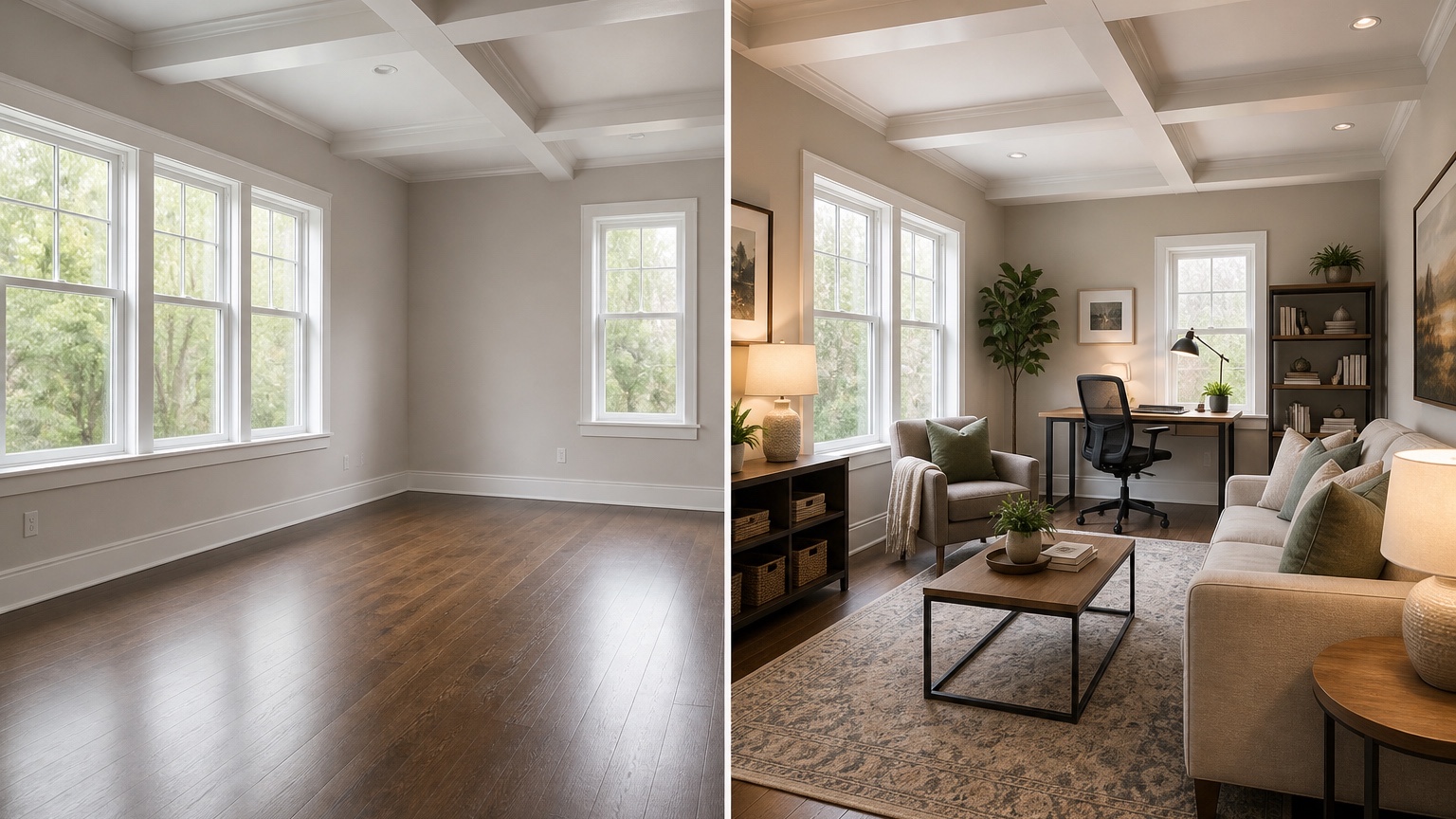
Check the traffic flow like someone walking through the door
The biggest risk in furnishing an empty room is overfilling it. A vacant space looks larger than it feels once a sofa, chairs, table, rug, lamps, and storage arrive. Review each generated option by imagining a person entering, crossing the room, opening closet doors, passing behind chairs, and moving from one zone to another.
In living rooms, leave a clear route from the main entry to adjacent rooms. Do not let a sectional become a wall unless the room is large enough for it. Coffee tables need comfortable reach without pinching knees or blocking movement. Accent chairs should support conversation without floating in a walkway. If the image places a chair in the obvious path to a patio door, remix before treating the idea seriously.
Dining areas need chair clearance, not just table beauty. A round table can soften a square room and improve movement. A rectangular table may suit a long room but can overwhelm a narrow one. In an open-plan space, a rug or pendant can define a dining zone, but the chairs still need space to pull back without hitting a sofa, island, or wall.
Bedrooms are often misread when empty. A bed that appears perfect in an AI image may be too wide once nightstands and closet access are considered. If the room is small, test a full bed and a queen bed as separate concepts. Ask for wall-mounted lamps, one nightstand, under-bed storage, or a narrow dresser if clearance is tight. A better design is the one that lets daily life work, not the one with the largest bed.
For staging, circulation also affects photography. A room can look attractive from one angle and fail from the doorway. Generate or remix with the camera view in mind: entry impression, main listing photo, and secondary detail view. The furniture should guide the eye through the room rather than making the photo feel crowded at the edges.
Use scale cues so the concept can become a real plan
AI empty room design works best when the prompt includes scale language. If you know the dimensions, include them. If not, describe the apparent size: narrow living room, compact bedroom, generous open-plan loft, small condo den, or long rectangular bonus room. Mention ceiling height, window height, and whether the room is intended for apartment-size furniture or full-size family seating.
Ask for common size logic even when exact dimensions are unavailable. “Use a sofa scaled for a small room,” “show a 6-person dining table only if circulation remains open,” “avoid oversized sectional,” and “leave room for closet doors to open” are more helpful than a style request alone. The goal is to prevent showroom furniture from filling a modest room.
After choosing a direction, translate visible pieces into a measurement list. For a living room, note likely sofa length, rug size, coffee table size, media console length, lamp locations, and walkway widths. For a bedroom, note bed size, nightstand width, dresser depth, rug placement, curtain length, and door clearances. For a dining room, note table diameter or length, chair pull-back space, sideboard depth, and pendant position.
Then verify in the room. Use painter’s tape, cardboard, or temporary boxes to mark the furniture footprints. Open doors and drawers. Walk the route with another person. Check outlets for lamps, floor vents for rug placement, window trim for curtain rods, and baseboard heaters for safe clearance. The AI image starts the planning conversation; real measurements decide what belongs on the purchase order.
Internal comparisons can help refine the concept. If the empty room becomes a living area, the room-specific advice in AI living room design can help evaluate seating, rugs, lighting, and storage. If you are furnishing a bedroom from scratch, AI bedroom design generator is a useful follow-up. For broader photo-based redesigns after furniture is added, see AI interior design from photo or AI room design generator.
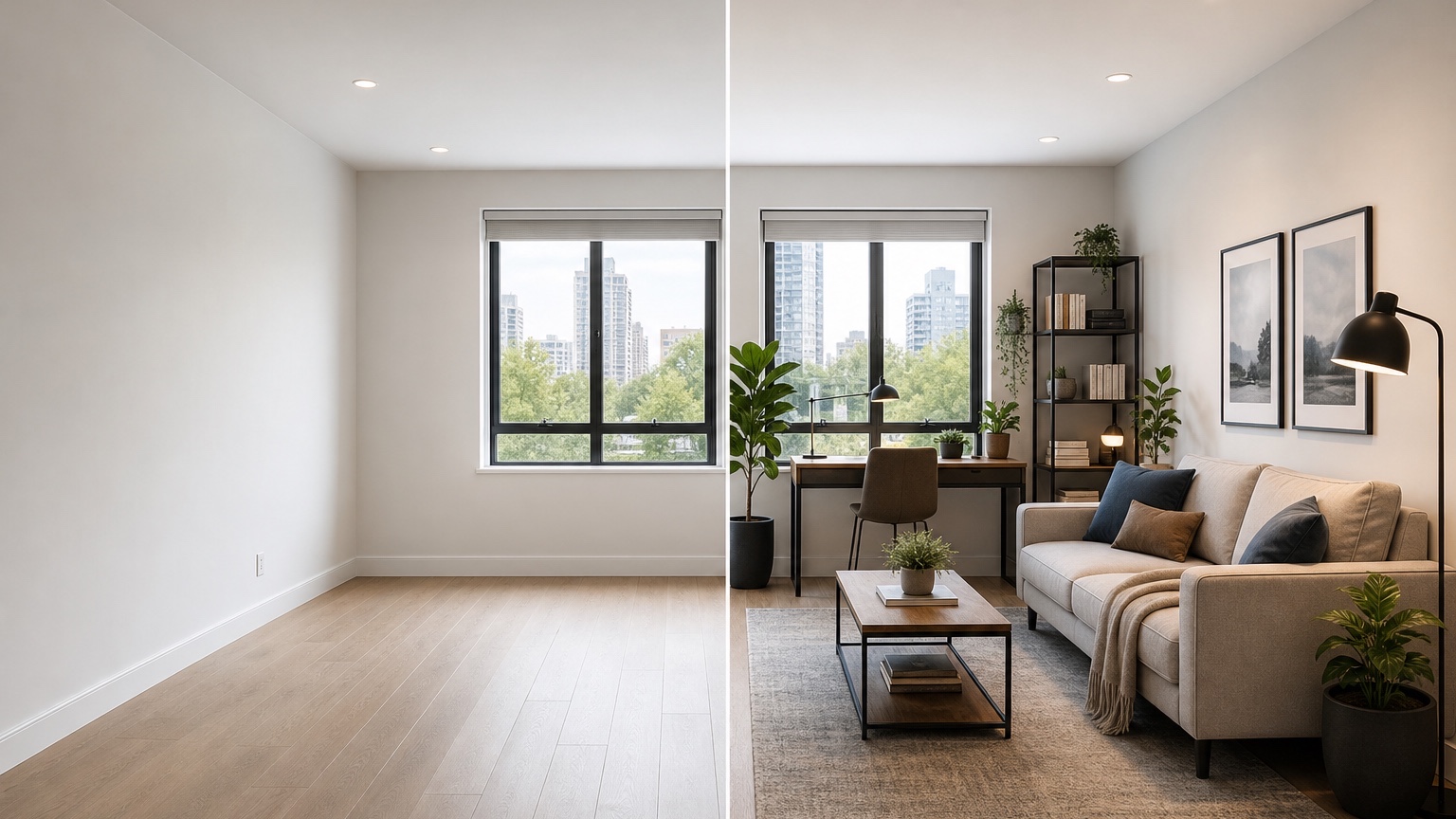
Create staged alternatives for different buyers or lifestyles
A blank room can support more than one believable story. That is why empty-room design is valuable for stagers and homeowners who are still deciding how a space should function. One spare room might become a guest bedroom, nursery, office, yoga room, or small media lounge. One open area might support a dining table, desk nook, play zone, or reading corner depending on the buyer.
Instead of asking for one final design, generate alternatives with different jobs. For a listing, you might create a primary living-room concept, then remix a second version that emphasizes family storage and a third that shows a polished entertaining layout. For a homeowner, test a work-from-home version against a guest-room version before buying a sleeper sofa or desk.
Keep each alternative staged enough to communicate purpose, but not so dense that it hides the room. Real estate concepts often work best with restrained accessories: a rug to mark the zone, furniture scaled to the space, lamps for warmth, art for proportion, plants for softness, and a few surfaces styled lightly. The room should still be readable.
When comparing alternatives, ask four questions. Which option explains the room fastest? Which one keeps the best walking path? Which one uses furniture buyers or occupants can realistically imagine owning? Which one avoids making the space seem larger, brighter, or more expensive to furnish than it really is? The strongest concept is not always the most dramatic image; it is the one that makes the room’s potential obvious without overselling it.
Move from generated concept to action
Once a concept looks promising, save the prompt and image. In RedesAIgn, saved prompts and history make it easier to return to the version that preserved the room correctly. If a later remix adds a fake window or changes the ceiling line, go back to the saved version and adjust one request at a time.
Build a simple action sheet with five columns: keep fixed, furniture to source, dimensions to verify, styling items, and risks. Fixed items might include window placement, flooring, paint, trim, fireplace, or door swing. Furniture to source might include sofa, chair, rug, bed, desk, dining table, lamps, and storage. Risks might include narrow walkways, uncertain rug size, no nearby outlet, blocked vent, or furniture that may be too deep.
For stagers, the action sheet can become a pull list. Match the AI concept to real inventory by role rather than exact appearance: compact sofa, low-profile accent chair, 8-by-10 neutral rug, narrow console, round dining table, warm table lamp, oversized art. If the generated piece does not exist in your inventory, choose the closest item that preserves scale and room purpose.
For homeowners, use the image to avoid scattered purchases. Buy the largest scale-setting pieces first: bed or sofa, rug, dining table, storage, and lighting. Add pillows, art, plants, and accessories after the big pieces fit. A beautiful lamp cannot fix a sofa that blocks the walkway.
For client presentations, show the original empty photo beside the generated concept and label what is conceptual. Be clear that dimensions, products, installation, and code-related matters still need verification. That transparency keeps the image useful as a planning aid instead of pretending it is a finished specification.
FAQ: AI empty room design
Can AI furnish an empty room from a photo?
Yes. A clear photo of an empty room can be used to create furnished concepts that show layout, furniture zones, style, rugs, lighting, art, and staging direction. The result should still be checked against real room measurements before buying or installing anything.
How should stagers use AI empty room design?
Stagers can use it to test several buyer-friendly room stories before pulling inventory. The best workflow is to preserve architecture, compare furniture scale and traffic flow, then translate the chosen image into a staging pull list rather than trying to match every generated object exactly.
Is this the same as virtual staging?
It overlaps with virtual staging, but the planning goal is broader. AI empty room design can help decide room purpose, zones, circulation, scale, and staged alternatives before final presentation images or physical staging are created.
What should I include in the prompt?
Include the room type, fixed features, intended use, style direction, furniture size limits, walking paths, and anything that must not change. If you know dimensions, include them. If you do not, describe the room as compact, narrow, open-plan, long, or generous.
Can I try RedesAIgn without a credit card?
Yes. RedesAIgn offers 5 free AI credits with no credit card required. If you need more concepts or remixes after that, you can use one-time credit packs.
Try these prompts in redesAIgn
Redesign this room with warm neutrals, layered lighting, and a functional seating layout.
Keep the architecture, but update furniture, rug, and wall color for a calm modern look.
Show a before-to-after concept with better traffic flow and fewer bulky pieces.
Related guides
- AI Bathroom Remodel Visualizer for Tile, Vanity, and Lighting Ideas
Visualize bathroom remodel ideas from a real photo with RedesAIgn. Compare finishes, fixtures, and layout limits before ordering materials.
- AI Bedroom Design Generator for Layout and Decor Ideas
Generate bedroom design concepts from your room photo with RedesAIgn. Compare layout and furniture directions before you buy or remodel.
- AI Dining Room Design Ideas From a Photo
Use AI dining room design to plan table size, chair clearance, chandelier alignment, rugs, storage, and lighting from a real room photo.
- AI Furniture Visualizer: Preview Furniture in Your Room Photo
Use an AI furniture visualizer to preview scale, placement, color, material, and fit in your room photo before buying or presenting furniture.
- AI Interior Design From Photo: Redesign Any Room Visually
Use AI interior design from photo workflows to preview room styles, furniture layouts, finishes, and decor ideas before buying anything.