AI Fashion Photoshoot Ideas Without a Studio
Last updated: March 19, 2026.
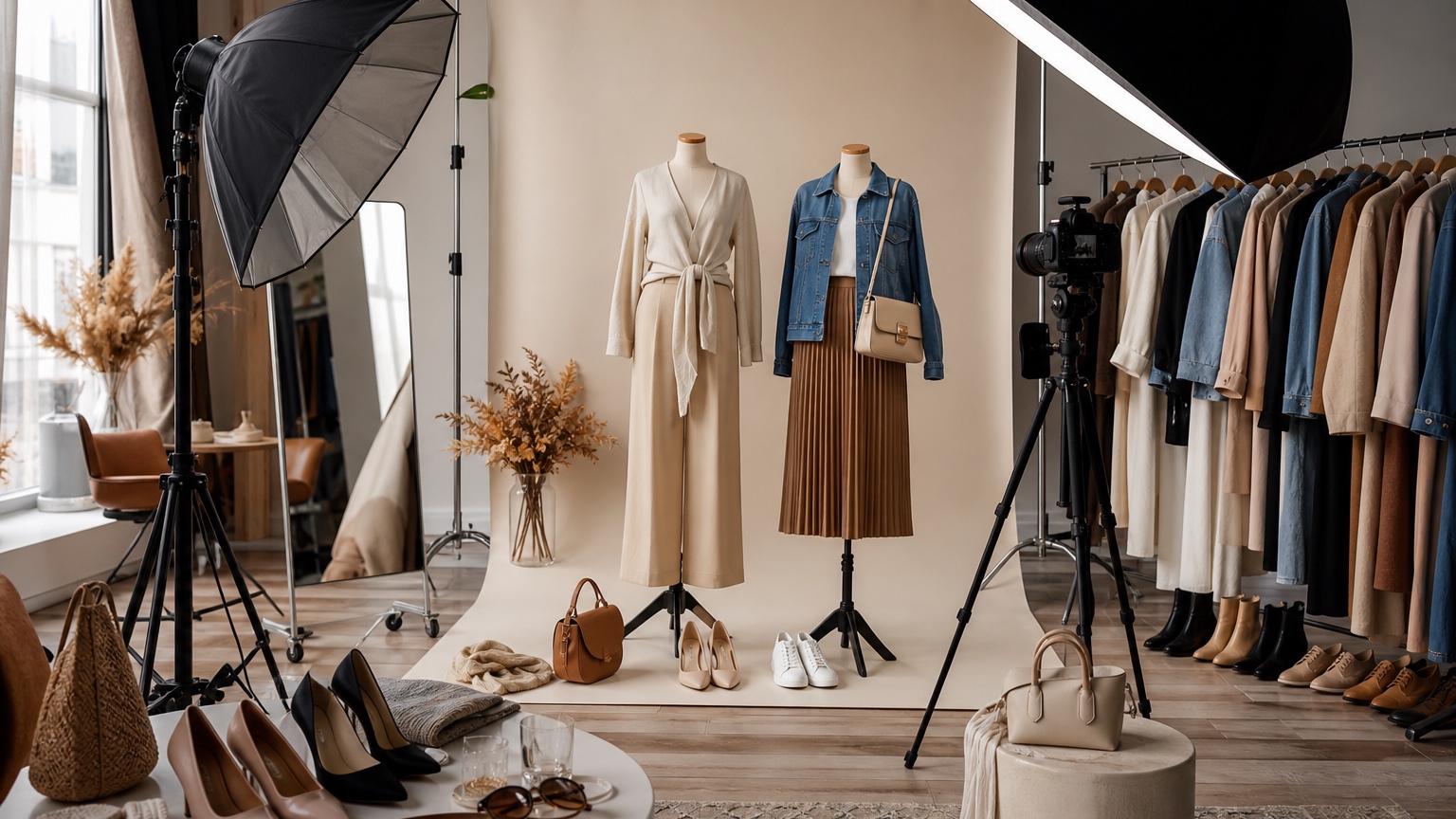
Ai Fashion Photoshoot is useful only when it helps creators, boutiques, and lean content teams make a concrete visual decision. The article below uses the shoot concept preflight frame, which asks whether which styling direction is strong enough to become a photoshoot brief instead of another vague mood board. For photoshoots, the practical flow is a source image, a shoot brief, visual concept tests, and a production note that guides the crew.
RedesAIgn works as a fashion previsualization tool with AI editors, reference-driven prompts, remix options, saved directions, and history for creative review. The image can clarify art direction quickly, but it cannot replace sample pulls, lighting tests, model fit, set safety, or production judgment. Use it to align the brief before studio hours, rentals, and talent time start.
What an AI fashion photoshoot should decide
A fashion photoshoot preview should behave like a pre-production tool. In the shoot concept preflight frame, start by naming the one business or style decision the image must answer: which styling direction is strong enough to become a photoshoot brief instead of another vague mood board. Write that decision beside the original photo before opening RedesAIgn, because a clear brief prevents the tool from turning AI fashion photoshoot into unrelated styling noise. The first generation should preserve the source identity, garment category, and usable camera angle while changing only the variables that matter for channel crop and lighting mood.
A stronger prompt for AI Fashion Photoshoot Ideas Without a Studio usually works in three layers. First, define the fixed creative input: model-free garment direction, shot angle, lighting intent, background mood, and brand constraints. Second, describe the photoshoot outcome through wardrobe mood, color story, texture, lens feel, and target channel. Third, add review criteria tied to prop list and posting calendar. That lets the art director compare concepts because each round adjusts wardrobe, set, or crop rather than losing the brief.
If it cannot guide wardrobe pulls, props, lighting, and crop choices, it is only decoration. Review the concept like an art director preparing a call sheet. Check wardrobe readability, prop logic, background depth, crop safety, lighting direction, and whether the styling supports the campaign. Save the useful result even when it is not the most dramatic image, because the job of AI fashion photoshoot is to reduce uncertainty before money or production time is committed. If the concept introduces fake typography, brand marks, impossible fabric, or confused set geometry, revise the prompt and compare the saved directions.
Building a shoot brief before generation
A stronger prompt for AI Fashion Photoshoot Ideas Without a Studio usually works in three layers. First, define the fixed creative input: model-free garment direction, shot angle, lighting intent, background mood, and brand constraints. Second, describe the photoshoot outcome through wardrobe mood, color story, texture, lens feel, and target channel. Third, add review criteria tied to prop list and posting calendar. That lets the art director compare concepts because each round adjusts wardrobe, set, or crop rather than losing the brief.
If it cannot guide wardrobe pulls, props, lighting, and crop choices, it is only decoration. Review the concept like an art director preparing a call sheet. Check wardrobe readability, prop logic, background depth, crop safety, lighting direction, and whether the styling supports the campaign. Save the useful result even when it is not the most dramatic image, because the job of AI fashion photoshoot is to reduce uncertainty before money or production time is committed. If the concept introduces fake typography, brand marks, impossible fabric, or confused set geometry, revise the prompt and compare the saved directions.
A fashion photoshoot preview should behave like a pre-production tool. In the shoot concept preflight frame, start by naming the one business or style decision the image must answer: which styling direction is strong enough to become a photoshoot brief instead of another vague mood board. Write that decision beside the original photo before opening RedesAIgn, because a clear brief prevents the tool from turning AI fashion photoshoot into unrelated styling noise. The first generation should preserve the source identity, garment category, and usable camera angle while changing only the variables that matter for channel crop and lighting mood.
Testing wardrobe, location, and content crops
If it cannot guide wardrobe pulls, props, lighting, and crop choices, it is only decoration. Review the concept like an art director preparing a call sheet. Check wardrobe readability, prop logic, background depth, crop safety, lighting direction, and whether the styling supports the campaign. Save the useful result even when it is not the most dramatic image, because the job of AI fashion photoshoot is to reduce uncertainty before money or production time is committed. If the concept introduces fake typography, brand marks, impossible fabric, or confused set geometry, revise the prompt and compare the saved directions.
A fashion photoshoot preview should behave like a pre-production tool. In the shoot concept preflight frame, start by naming the one business or style decision the image must answer: which styling direction is strong enough to become a photoshoot brief instead of another vague mood board. Write that decision beside the original photo before opening RedesAIgn, because a clear brief prevents the tool from turning AI fashion photoshoot into unrelated styling noise. The first generation should preserve the source identity, garment category, and usable camera angle while changing only the variables that matter for channel crop and lighting mood.
A stronger prompt for AI Fashion Photoshoot Ideas Without a Studio usually works in three layers. First, define the fixed creative input: model-free garment direction, shot angle, lighting intent, background mood, and brand constraints. Second, describe the photoshoot outcome through wardrobe mood, color story, texture, lens feel, and target channel. Third, add review criteria tied to prop list and posting calendar. That lets the art director compare concepts because each round adjusts wardrobe, set, or crop rather than losing the brief.
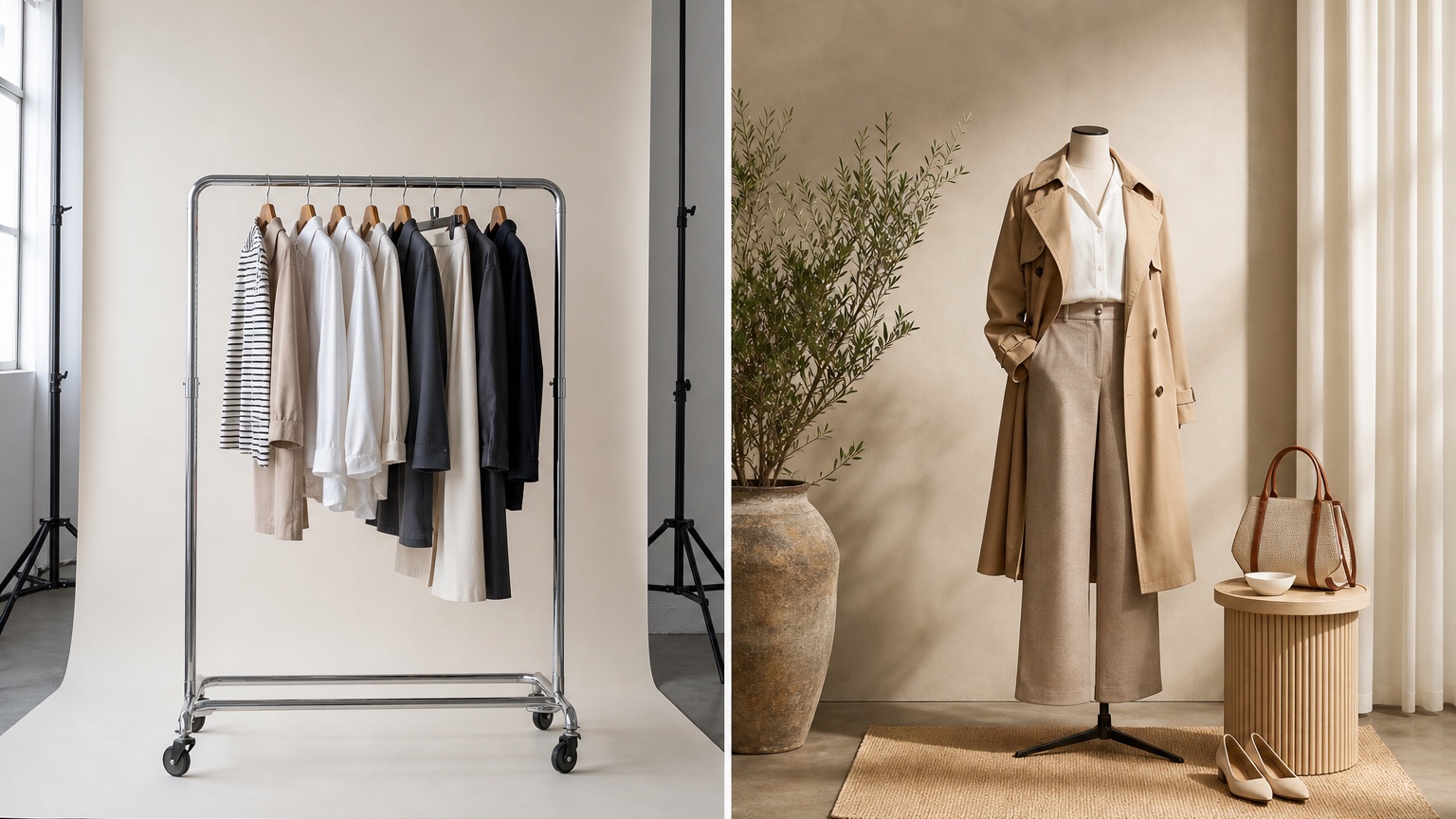
Reviewing generated concepts like an art director
A fashion photoshoot preview should behave like a pre-production tool. In the shoot concept preflight frame, start by naming the one business or style decision the image must answer: which styling direction is strong enough to become a photoshoot brief instead of another vague mood board. Write that decision beside the original photo before opening RedesAIgn, because a clear brief prevents the tool from turning AI fashion photoshoot into unrelated styling noise. The first generation should preserve the source identity, garment category, and usable camera angle while changing only the variables that matter for channel crop and lighting mood.
A stronger prompt for AI Fashion Photoshoot Ideas Without a Studio usually works in three layers. First, define the fixed creative input: model-free garment direction, shot angle, lighting intent, background mood, and brand constraints. Second, describe the photoshoot outcome through wardrobe mood, color story, texture, lens feel, and target channel. Third, add review criteria tied to prop list and posting calendar. That lets the art director compare concepts because each round adjusts wardrobe, set, or crop rather than losing the brief.
If it cannot guide wardrobe pulls, props, lighting, and crop choices, it is only decoration. Review the concept like an art director preparing a call sheet. Check wardrobe readability, prop logic, background depth, crop safety, lighting direction, and whether the styling supports the campaign. Save the useful result even when it is not the most dramatic image, because the job of AI fashion photoshoot is to reduce uncertainty before money or production time is committed. If the concept introduces fake typography, brand marks, impossible fabric, or confused set geometry, revise the prompt and compare the saved directions.
RedesAIgn workflow for photoshoot previsualization
A stronger prompt for AI Fashion Photoshoot Ideas Without a Studio usually works in three layers. First, define the fixed creative input: model-free garment direction, shot angle, lighting intent, background mood, and brand constraints. Second, describe the photoshoot outcome through wardrobe mood, color story, texture, lens feel, and target channel. Third, add review criteria tied to prop list and posting calendar. That lets the art director compare concepts because each round adjusts wardrobe, set, or crop rather than losing the brief.
If it cannot guide wardrobe pulls, props, lighting, and crop choices, it is only decoration. Review the concept like an art director preparing a call sheet. Check wardrobe readability, prop logic, background depth, crop safety, lighting direction, and whether the styling supports the campaign. Save the useful result even when it is not the most dramatic image, because the job of AI fashion photoshoot is to reduce uncertainty before money or production time is committed. If the concept introduces fake typography, brand marks, impossible fabric, or confused set geometry, revise the prompt and compare the saved directions.
A fashion photoshoot preview should behave like a pre-production tool. In the shoot concept preflight frame, start by naming the one business or style decision the image must answer: which styling direction is strong enough to become a photoshoot brief instead of another vague mood board. Write that decision beside the original photo before opening RedesAIgn, because a clear brief prevents the tool from turning AI fashion photoshoot into unrelated styling noise. The first generation should preserve the source identity, garment category, and usable camera angle while changing only the variables that matter for channel crop and lighting mood.
What AI cannot replace on set
If it cannot guide wardrobe pulls, props, lighting, and crop choices, it is only decoration. Review the concept like an art director preparing a call sheet. Check wardrobe readability, prop logic, background depth, crop safety, lighting direction, and whether the styling supports the campaign. Save the useful result even when it is not the most dramatic image, because the job of AI fashion photoshoot is to reduce uncertainty before money or production time is committed. If the concept introduces fake typography, brand marks, impossible fabric, or confused set geometry, revise the prompt and compare the saved directions.
A fashion photoshoot preview should behave like a pre-production tool. In the shoot concept preflight frame, start by naming the one business or style decision the image must answer: which styling direction is strong enough to become a photoshoot brief instead of another vague mood board. Write that decision beside the original photo before opening RedesAIgn, because a clear brief prevents the tool from turning AI fashion photoshoot into unrelated styling noise. The first generation should preserve the source identity, garment category, and usable camera angle while changing only the variables that matter for channel crop and lighting mood.
A stronger prompt for AI Fashion Photoshoot Ideas Without a Studio usually works in three layers. First, define the fixed creative input: model-free garment direction, shot angle, lighting intent, background mood, and brand constraints. Second, describe the photoshoot outcome through wardrobe mood, color story, texture, lens feel, and target channel. Third, add review criteria tied to prop list and posting calendar. That lets the art director compare concepts because each round adjusts wardrobe, set, or crop rather than losing the brief.
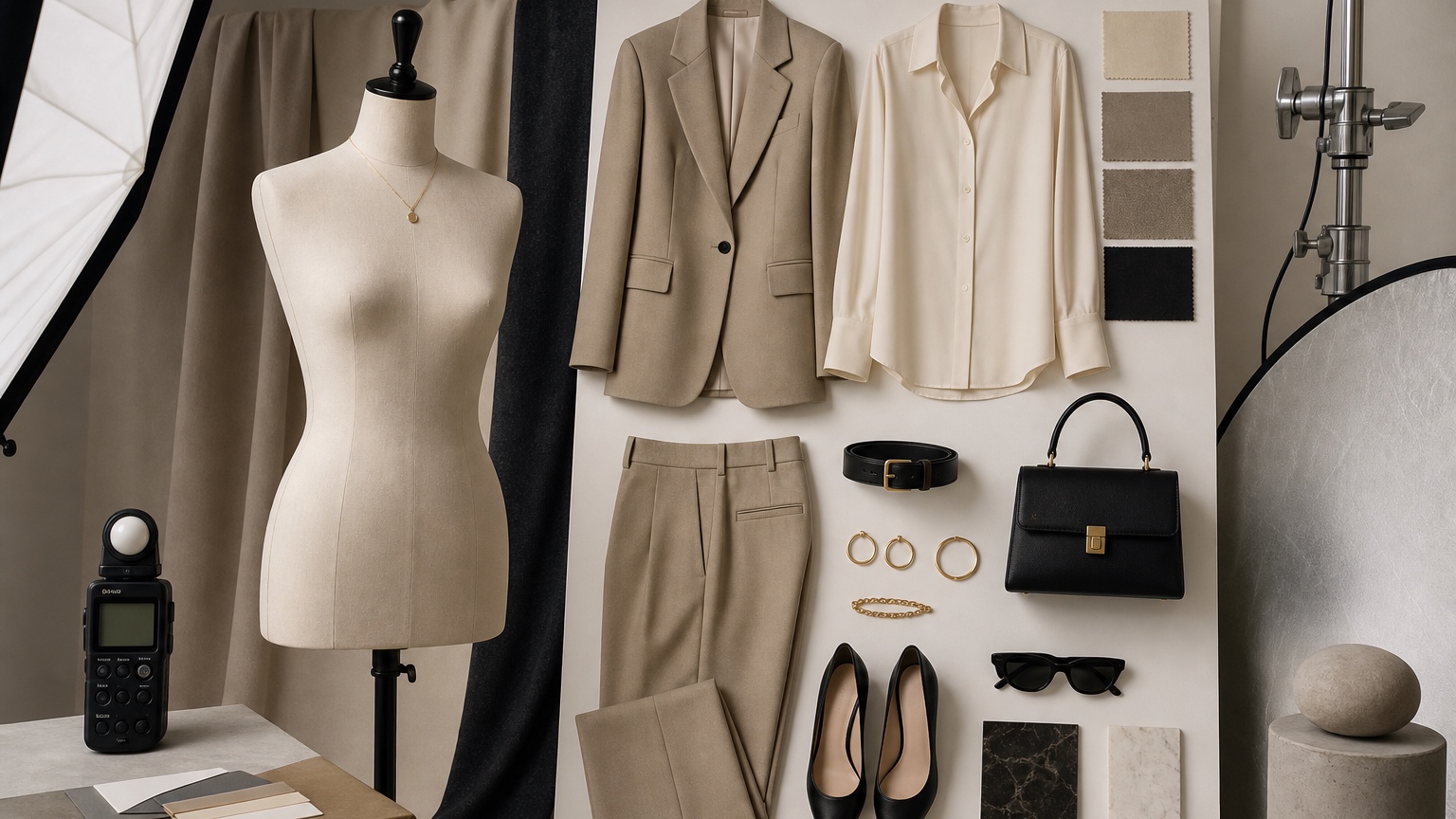
Turning previews into a production plan
A fashion photoshoot preview should behave like a pre-production tool. In the shoot concept preflight frame, start by naming the one business or style decision the image must answer: which styling direction is strong enough to become a photoshoot brief instead of another vague mood board. Write that decision beside the original photo before opening RedesAIgn, because a clear brief prevents the tool from turning AI fashion photoshoot into unrelated styling noise. The first generation should preserve the source identity, garment category, and usable camera angle while changing only the variables that matter for channel crop and lighting mood.
A stronger prompt for AI Fashion Photoshoot Ideas Without a Studio usually works in three layers. First, define the fixed creative input: model-free garment direction, shot angle, lighting intent, background mood, and brand constraints. Second, describe the photoshoot outcome through wardrobe mood, color story, texture, lens feel, and target channel. Third, add review criteria tied to prop list and posting calendar. That lets the art director compare concepts because each round adjusts wardrobe, set, or crop rather than losing the brief.
If it cannot guide wardrobe pulls, props, lighting, and crop choices, it is only decoration. Review the concept like an art director preparing a call sheet. Check wardrobe readability, prop logic, background depth, crop safety, lighting direction, and whether the styling supports the campaign. Save the useful result even when it is not the most dramatic image, because the job of AI fashion photoshoot is to reduce uncertainty before money or production time is committed. If the concept introduces fake typography, brand marks, impossible fabric, or confused set geometry, revise the prompt and compare the saved directions.
How to use the winning preview
When one photoshoot concept wins, turn it into production notes. The team can note wardrobe pulls, props, lighting references, and backup crops. A boutique can turn the concept into homepage, ad, and lookbook variants. A creator can translate it into a compact shot sequence and posting plan. The image is not the campaign asset; it is the clearest pre-production agreement.
Start with a low-risk RedesAIgn pass
For a fashion shoot preflight, RedesAIgn helps compare prompts, remix/reference images, saved prompts, and history before anyone books studio time or pulls samples. Commercial use is allowed for content planning, and one-time credit packs make sense when testing several shoot concepts.
Related RedesAIgn guides: AI clothes try on, AI outfit generator from photo, and AI fashion model generator.
Try these prompts in redesAIgn
Try this outfit on the person in the photo with a tailored fit and natural lighting.
Restyle the look with a different color palette while keeping the same pose.
Show a polished full-outfit preview suitable for content or shopping decisions.
Related guides
- AI Ecommerce Clothing Photos for Small Fashion Stores
Create ecommerce clothing photo concepts with RedesAIgn so product visuals are clearer before shoots, samples, or listing page updates.
- AI Outfit Ideas for Photoshoots: Plan Looks Before You Shoot
Plan outfit ideas for photoshoots with RedesAIgn. Compare looks from your photo before shopping, fittings, or locking the final shot list.
- AI Try-On Jacket: See Outerwear Styles Before Buying
Use AI try on jacket workflows in RedesAIgn to compare realistic fashion visuals, product-photo directions, and photoshoot styling before committing.
- AI Try-On Shirt: Preview Shirts on Your Photo
Use AI try on shirt workflows in RedesAIgn to compare realistic fashion visuals, product-photo directions, and photoshoot styling before committing budget.
- AI Capsule Wardrobe Generator: Visualize Mix-and-Match Outfits
Use AI capsule wardrobe generator in RedesAIgn to compare realistic fashion options before shopping, booking, styling, or sharing a brief.