AI Car Before and After: Create Transformation Concepts From One Photo
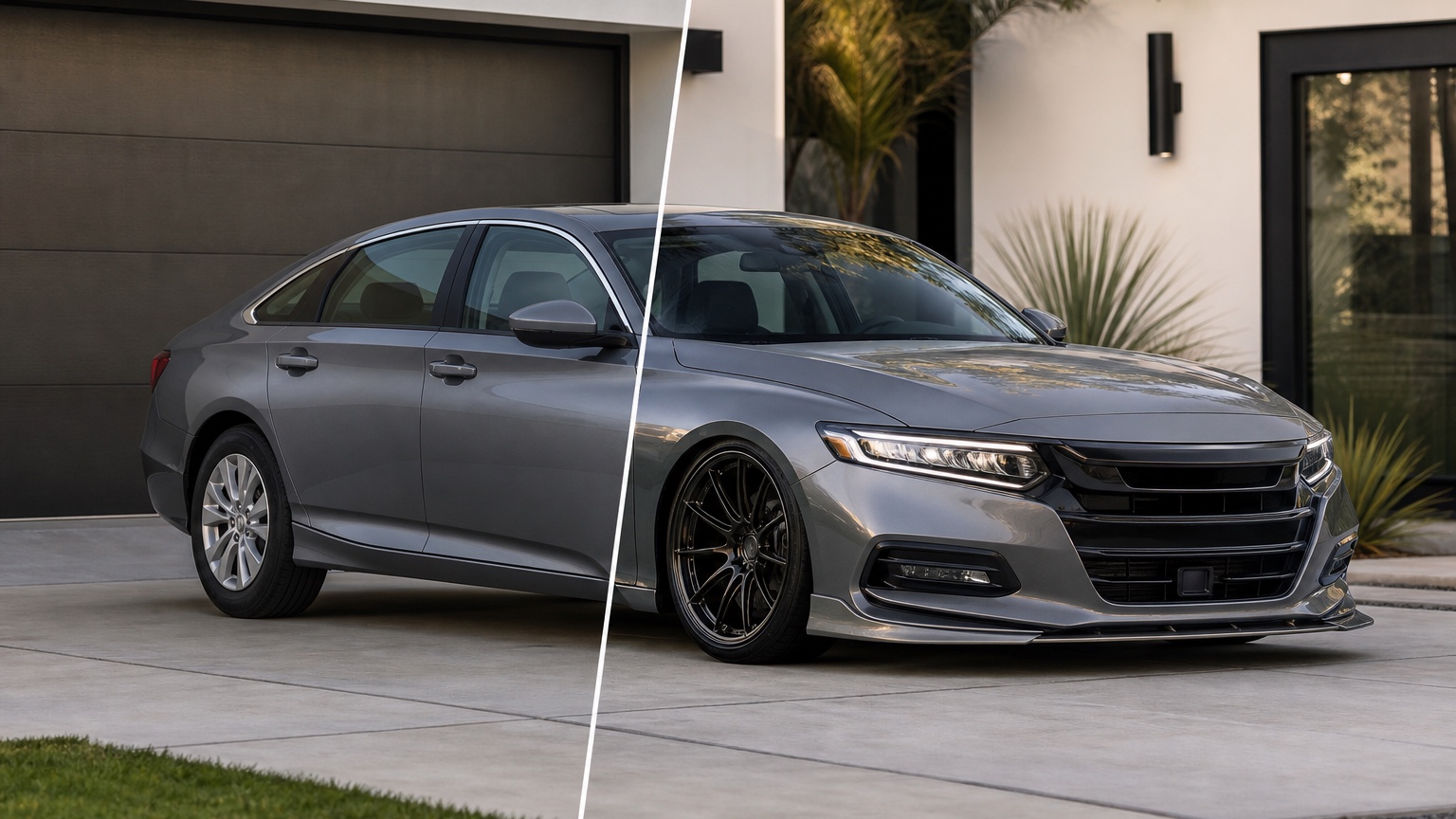
Why AI car before and after should answer a real vehicle decision
People search for AI car before and after when a visible vehicle choice is still uncertain. For a before-and-after transformation, the decision usually sits between a service package, a resale refresh, a customer explanation, and a quote; the hard part is proving the change without losing sight of the original car.
The frame for this guide is a before-and-after proof conversation where the goal is visible trust, not a fantasy render that hides the original condition. That keeps the output practical. A strong transformation concept should point toward a scope decision, such as whether the refresh is cosmetic, presentation-focused, or ready for a shop estimate.
Picture a detailing studio preparing options for a tired sedan where one concept emphasizes paint correction and clean presentation, another adds wheels and trim refresh, and a third tests a more dramatic sale-ready look. For detailers, restylers, used-car sellers, body shops, and owners, the useful image is the one that exposes what should happen next: request a quote, test another finish, simplify the package, ask a specialist, order a sample, or stop before money is wasted.
Start the AI car before and after workflow with constraints
Use an uploaded photo that represents the real vehicle honestly. For this topic, start with the view that best shows the visible improvement: a side angle for stance and finish, a three-quarter angle for sales appeal, or a closer detail shot for trim and surface issues.
Name what must stay unchanged. Current condition, original body shape, visible blemishes, wheel style, trim identity, and the amount of improvement the service can honestly provide should become the constraints. Those limits keep the after image tied to the uploaded car instead of drifting into an unrelated showcase vehicle.
Then state the buying or approval context. Detailers, restylers, used-car sellers, body shops, and owners do not all need the same image. A detail quote, resale listing, cosmetic refresh plan, and customer-facing ad each require a different balance between polish and restraint.
Decision checkpoint 1 for AI car before and after
A transformation preview should preserve evidence of where the vehicle started, because trust comes from a visible bridge between the uploaded photo and the proposed result.
Use the preview as a controlled comparison. For each transformation pass, alter one service idea or presentation choice and compare it with the original so accidental inventions do not become part of the promise.
For before-and-after work, RedesAIgn's saved prompts and generation history show which wording produced the most credible improvement trail. Keep the transformation language that preserved trust, then revise only the service detail that needs a cleaner comparison.
Decision checkpoint 2 for AI car before and after
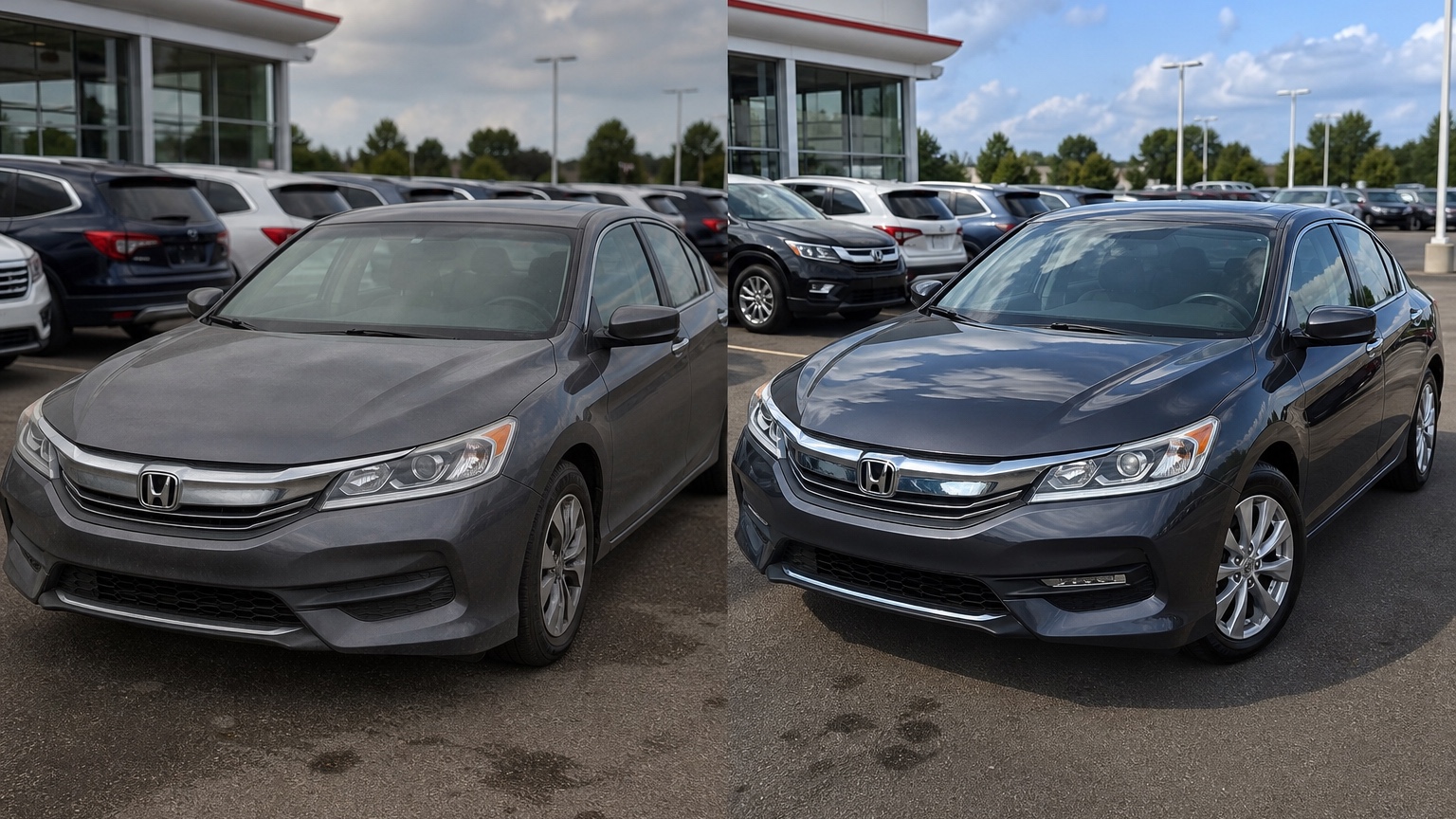
Use the first image to clarify the story of improvement: cleaner finish, sharper stance, repaired trim, improved lighting, or a more professional sales presentation.
Use the preview as a controlled comparison. For each transformation pass, alter one service idea or presentation choice and compare it with the original so accidental inventions do not become part of the promise.
For before-and-after work, RedesAIgn's saved prompts and generation history show which wording produced the most credible improvement trail. Keep the transformation language that preserved trust, then revise only the service detail that needs a cleaner comparison.
Decision checkpoint 3 for AI car before and after
The strongest before-and-after set becomes a sales aid only when the viewer understands which changes are concept ideas and which are realistic services.
Use the preview as a controlled comparison. For each transformation pass, alter one service idea or presentation choice and compare it with the original so accidental inventions do not become part of the promise.
For before-and-after work, RedesAIgn's saved prompts and generation history show which wording produced the most credible improvement trail. Keep the transformation language that preserved trust, then revise only the service detail that needs a cleaner comparison.
Prompt brief for stronger AI car before and after results
Begin with the intended outcome: create a realistic vehicle concept from the uploaded photo for detailers, restylers, used-car sellers, body shops, and owners who need to show a believable vehicle transformation before a detailing package, cosmetic refresh, wrap, repaint, trim change, or sales presentation is approved. Mention the visible improvement being tested, such as finish depth, trim refresh, wheel cleanup, or sale-ready presentation.
Add guardrails that protect the proof: preserve the original car, avoid text or labels, exclude people and watermarks, keep lighting believable, and do not exaggerate proportions. Those proof limits make the comparison easier to discuss with a customer or shop.
Generate three directions with different risk levels. One version can be a modest clean-up, one can show a stronger cosmetic upgrade, and one can test a bolder presentation style. That range keeps the review from automatically favoring the flashiest after shot.
How to judge an AI car before and after output before acting
Use this scorecard: before/after clarity, original-vehicle recognition, finish realism, customer trust, service scope, resale usefulness, and whether the concept makes the next estimate easier. The scorecard separates a believable transformation from a merely shiny rendering.
Check professional reality next. Every visible upgrade has boundaries: cleaning cannot replace bodywork, presentation lighting can flatter surfaces, and cosmetic choices still need service reality. The after concept should create better scope questions for the person who will quote or perform the work.
The first mistake to avoid is making the after image so altered that customers cannot tell what service or decision created the improvement. If the result hides the source condition or overstates the service, regenerate it with a narrower improvement brief.
Where RedesAIgn fits in the AI car before and after process
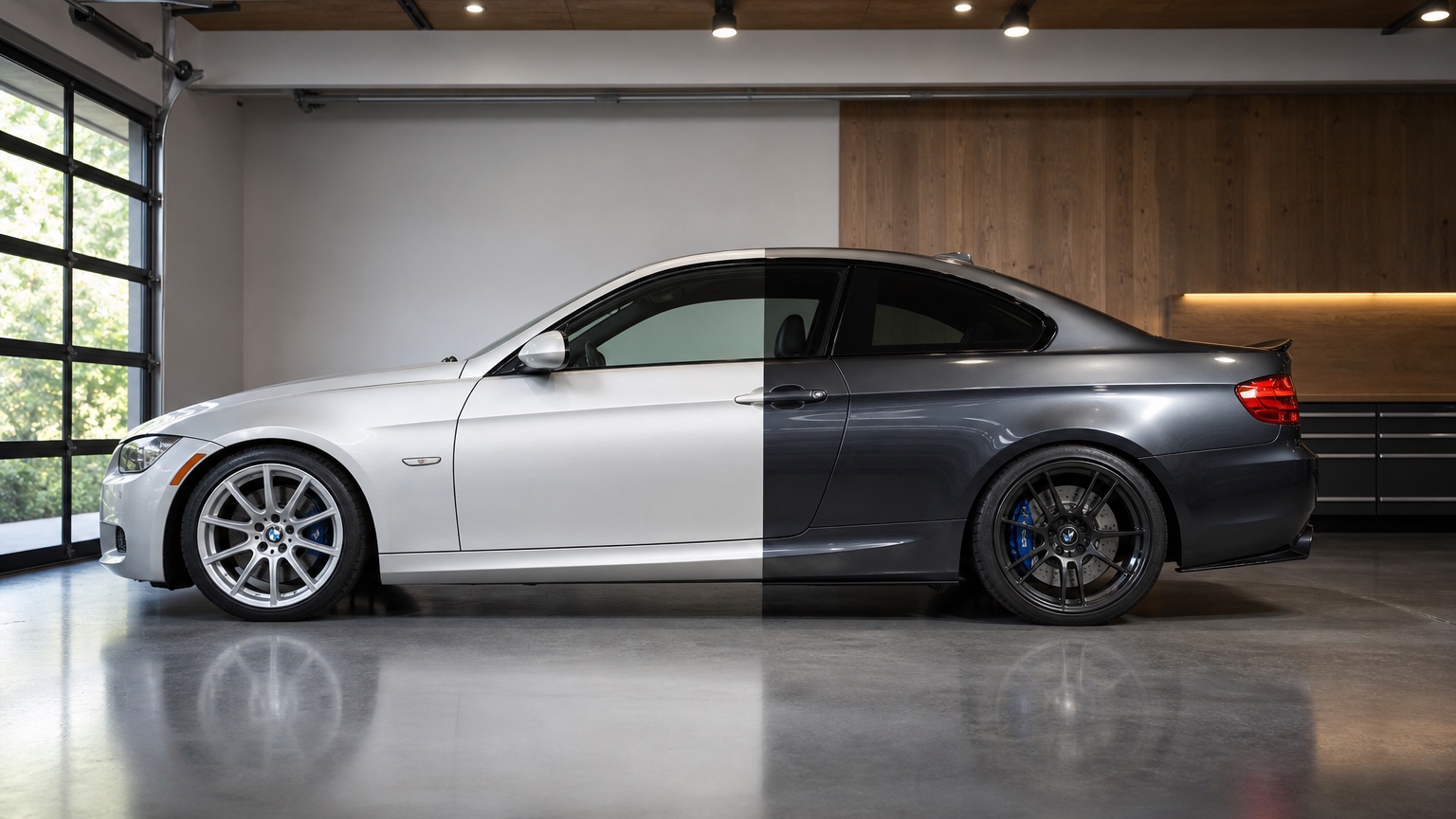
RedesAIgn is an AI photo/image editing web app for visualizing redesigns before committing money, time, or client approval. Its Vehicle / Auto Design workflow can organize prompt-driven transformations, reference directions, saved prompts, and generation history for comparison.
Use RedesAIgn when a car transformation needs to be explained before anyone buys a package or promises a result. Upload the real vehicle photo, use the Vehicle / Auto Design editor, test a conservative cleanup, a stronger appearance refresh, and a more ambitious concept, then keep the generation history as the comparison trail.
A first transformation test can use the free start: 5 AI credits with no credit card required. For a transformation proof, paid credit packs are useful when the team needs more alternatives; commercial use support also matters when the concepts are part of client-facing review.
Handoff checklist after the AI car before and after session
Choose one next action for each useful concept: request a quote, order a sample, ask about fitment, prepare production artwork, compare another color, write a package description, schedule a shop review, or eliminate the idea.
Save rejected concepts with short notes. Rejected transformation proof options document the taste, scope, or budget boundaries that made the final direction more defensible.
For AI car before and after, success is not a perfect final render. The win is a clearer transformation proof decision that keeps the real vehicle and execution responsibility in view.
Using the before image as a scope control
Keep the original upload beside every AI after concept during review. The before image controls scope: if the after version suddenly changes body panels, wheelbase, lighting, camera angle, or background more than the project can justify, the team should treat it as mood-board inspiration rather than a service promise. This is especially important for shops that sell detailing, restyling, or sales-presentation packages because customers may assume every visible improvement is included.
A practical workflow labels the intended changes in plain language after the image is generated. For example, note whether the concept suggests paint correction, cleaner lighting, wheel refresh, trim darkening, wrap direction, or a listing-photo presentation change. That note turns the visual into a quote conversation and prevents the attractive parts of the render from becoming accidental obligations.
If the before-and-after set will be used in marketing, separate concept visuals from completed customer proof. RedesAIgn can help plan and communicate a transformation, but honest captions should explain that the image is a concept unless it represents finished work. That protects trust while still letting the business show possible directions early.
FAQ
Can AI car before and after replace a professional shop quote?
No. It can create transformation proof direction images, while quotes, materials, warranty, safety, legality, and installation remain professional responsibilities.
What photo should I upload first?
Start with a clean, well-lit source image that shows the specific area involved in the transformation proof. Choose the view around the transformation proof: exterior angles for body decisions, closer details for surfaces, and cabin photos only when the interior is the subject.
Try these prompts in redesAIgn
Restyle this car with a clean modern paint finish and subtle contrast accents.
Show a before-and-after concept with updated wheels and exterior color.
Keep the body lines, but visualize a premium trim and lighting package.
Related guides
- AI Auto Detailing Before After: Build Visual Sales Hooks Without Overpromising
Turn ordinary vehicle photos into polished before/after detailing concepts with RedesAIgn—without overpromising results you cannot deliver in the shop.
- AI Car Color Changer: Preview Paint and Wrap Decisions Before the Shop Quote
Preview car paint and wrap colors on a real photo with RedesAIgn. Compare finishes, trim contrast, and wheel pairing before the shop quote.
- AI Off Road Vehicle Design: Test Lifts, Tires, Armor, and Trail Style Visually
Test off-road vehicle style visually with RedesAIgn. Compare lift height, tires, armor, racks, lighting, and recovery-gear concepts on your photo.
- AI Car Modification Visualizer: Compare Mods Before Purchase and Installation
Compare visible car modifications in RedesAIgn before buying parts, booking labor, or presenting options. Keep the real vehicle shape recognizable.
- AI Classic Car Restoration: Preview Restoration Directions From a Real Photo
Preview classic car restoration directions from a real photo in RedesAIgn. Compare color, trim, wheels, patina, and modernization options first.