AI Product Social Media Posts for Small Business Campaigns

Searching for AI product social media posts usually means a real content decision is waiting on better visuals. The goal is not to decorate a feed with generic AI art. The useful goal is to turn an existing brand, product, creator, or profile photo into a direction that can be reviewed, compared, and used by a person responsible for publishing. This guide treats AI product social media posts as a campaign-production workflow for small ecommerce teams that need product visuals without inventing fake product claims. RedesAIgn supports that loop with photo uploads, precise prompts, remix/reference images, saved prompts, generation history, 10 specialized editors, and one-time credit packs when the first tests prove useful.
For small businesses, ecommerce, the practical problem is simple: generate campaign visuals. A social image can fail even when it looks polished if the crop is wrong, the subject no longer feels honest, the product promise is exaggerated, or the mood does not match the caption. RedesAIgn starts with 5 free AI credits and no credit card, so the first pass can be a low-risk visual decision exercise instead of a production commitment.
AI Product Social Media Posts for Small Business Campaigns: define the publishing decision first
Write the publishing decision before writing the prompt. Are you trying to test a new offer, make a profile more trustworthy, create a thumbnail hook, stretch a limited product gallery, or give a stakeholder three campaign directions? That answer controls the background, lighting, crop, and amount of transformation the image should allow.
A strong brief includes the source-photo reality, the audience, the platform, and the next action. A small ecommerce shop may need a product image that makes a feature easier to understand. A creator may need a cover that reads quickly in a crowded feed. A social media manager may need enough variation to build a week of posts from one original asset.
Use RedesAIgn as a comparison tool, not a single-output button. Generate a conservative version, a practical upgrade, and a bolder campaign concept. The best result is the one that makes the next publishing decision faster while keeping the subject believable.
Input checklist for a believable AI product social media posts result
Start with the cleanest source image you have. Favor clear focus, natural lighting, visible subject edges, and enough negative space for platform crops. Avoid photos with heavy filters, tiny logos, unreadable embedded text, cluttered shelves, or reflections that could become artifacts.
List what must remain unchanged before you describe the style. Preserve product shape, package color, face identity, skin tone, brand palette, garment silhouette, or workspace details when they are part of the trust signal. Then add the creative layer: editorial lighting, polished background, campaign mood, or cleaner composition.
If the same asset may become a square post, vertical story, horizontal blog image, or thumbnail, ask for crop-safe composition and a clear focal point. Do not rely on the AI to guess platform needs; name them in the prompt and reject outputs that only work in one crop.
Prompt formula for controlled social-media variations
Use a six-part prompt: source subject, must-preserve details, platform use, desired mood, production treatment, and artifact exclusions. A practical example is: keep the product shape and label placement recognizable, create a premium studio social image, use warm realistic lighting, leave clean crop margins, no readable text, no watermark, no fake platform UI.
Separate strategic directions instead of overloading one prompt. For launch teaser, product detail post, seasonal sale visual, carousel cover, landing-page header, and paid-social test, one version can prioritize clarity, another can prioritize emotion, and another can test a campaign angle. Controlled variation gives the team a useful board rather than a pile of unrelated images.
Save the prompt when a version works. RedesAIgn's saved prompts and generation history matter because social production is repetitive. A prompt that works for one product drop, creator series, or profile refresh can become a reusable recipe for the next batch.
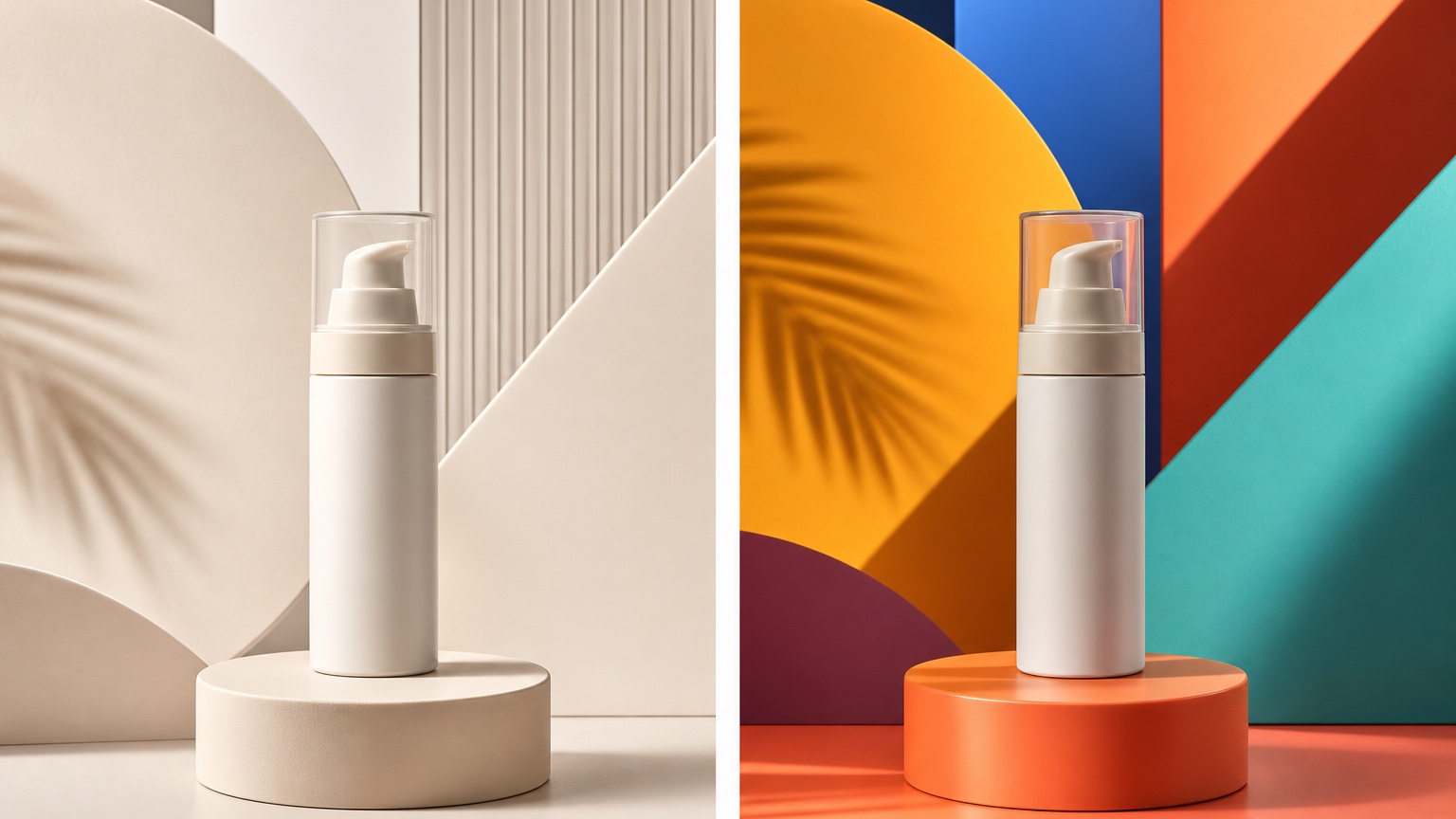
Product Truth And Campaign Clarity: the review lens for this use case
Review the output through product truth and campaign clarity, not through general aesthetics alone. Ask whether the image would actually help someone choose a caption, brief a designer, approve a shoot direction, or schedule a post. If the result looks impressive but cannot guide action, it is not the winner.
Check platform fit at small size. Does the subject remain clear after a square crop? Would the visual hook still read in a mobile feed? Is there enough room for a caption or overlay if a human designer adds it later? Social images are judged quickly, so the hierarchy must be obvious without a long explanation.
Keep the edit honest. AI should not invent product features, fake endorsements, change a person's identity beyond recognition, or imply performance results that are not real. Commercial use may be allowed, but credibility and policy review still belong in the workflow.
Quality control before publishing or handing off
Zoom in on edges, hands, hairlines, packaging, shadows, reflections, and backgrounds. Look for melted details, strange symbols, accidental readable text, warped logos, duplicated objects, and plastic skin. Reject anything that would make the brand look careless when a viewer pauses.
Compare the output against the original source image. The improvement should be clear, but the subject should still feel plausible. A product should keep its material and proportions. A personal photo should keep identity and natural skin. A thumbnail should increase focus without turning into fake platform artwork.
Write a one-line rejection reason for every discarded version: too glossy, wrong crop, confusing hook, off-brand color, unrealistic background, or unclear product message. Those notes make the next RedesAIgn prompt sharper and prevent repeated weak experiments.
Turn the selected result into a real content workflow
After choosing the strongest image, decide what it becomes: a post concept, thumbnail option, campaign variation board, photographer brief, or designer handoff. AI editing is most useful when the output shortens a real workflow, not when it creates another folder of experiments.
For adjacent workflows, compare this guide with AI product social media posts, AI brand photoshoot, and AI selfie editor. If the issue is hook testing, AI thumbnail image generator gives a tighter review lens; if the issue is campaign ideation, AI social media content ideas can anchor the calendar.
Keep source photos, prompts, chosen outputs, rejected variants, and final uses together. Over time, that record becomes a practical brand system: which backgrounds work, which crops fail, which product angles sell the story, and which RedesAIgn prompts deserve reuse.
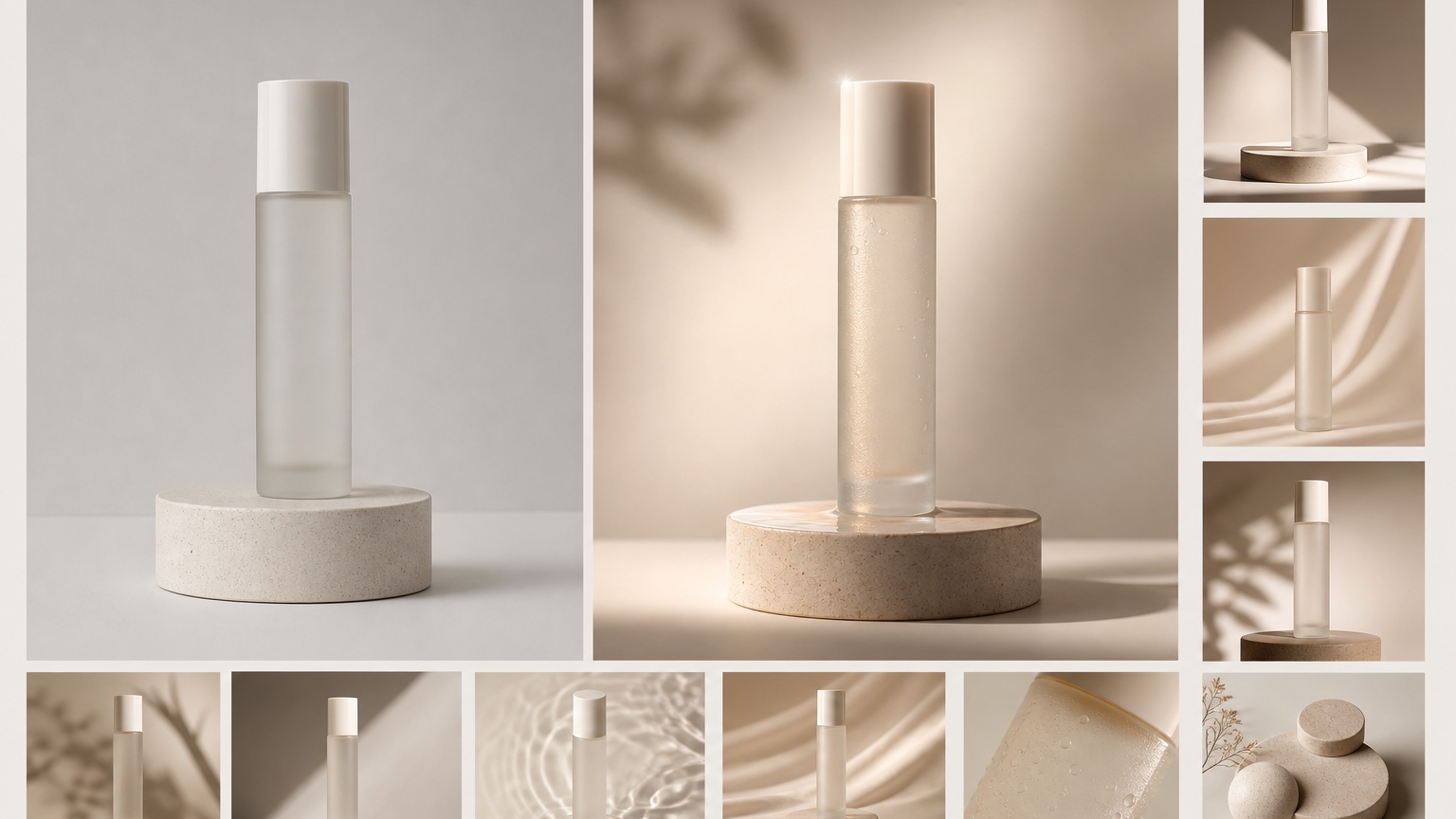
Product campaign examples that make the workflow concrete
For a new product launch, create one visual that explains the main use case, one that shows the product in a cleaner lifestyle setting, and one that tests a seasonal offer mood. The point is not to fake a full campaign; it is to see which visual direction makes the product easiest to understand in a scrolling feed.
For an ecommerce catalog with weak images, keep the product shape and packaging consistent while testing backgrounds, lighting, and crop discipline. A plain image may become a premium studio post, a gift-guide image, or a comparison-board asset, but it should never imply features, labels, or ingredients that are not actually there.
For a small business service package, use the image to communicate the offer context rather than inventing customer results. A bakery, skincare shop, workshop, or handmade brand can test color palettes, table styling, and campaign mood before paying for props or a professional shoot.
Handoff checklist after choosing a visual direction
A useful handoff includes the original product photo, the selected RedesAIgn output, the exact saved prompt, rejected variants, and a short note about the campaign role. That package helps a founder, designer, or media buyer understand why the image exists. It also protects the team from treating a polished concept as final advertising proof before checking product accuracy, offer language, and channel rules.
Budget and credit planning for visual experiments
The last review step is budget discipline. If the concept only needs one or two exploratory generations, the free-start path may be enough to learn whether the direction has value. If the team needs a broader set of versions, compare the one-time credit packs against the cost of a reshoot, a rushed design round, or publishing weak assets. The point is not to generate endlessly. The point is to use a small number of intentional RedesAIgn tests to reduce creative uncertainty before real time, money, or reputation is on the line.
Final takeaway for AI product social media posts
The best AI product social media posts workflow is a disciplined publishing loop: start with a real photo, name the social job, generate controlled variations, reject artifacts, and save the prompt that can support future content. RedesAIgn is useful because it combines photo upload, prompt editing, remix/reference workflows, saved prompts, generation history, commercial-use-friendly credit packs, and a free-start path with 5 credits and no credit card. Upload one honest product photo to RedesAIgn, test launch, seasonal, and offer-led variants, then save the prompt that makes the product easiest to explain.
Try these prompts in redesAIgn
Edit this photo into a clean social post with balanced crop and soft contrast.
Create a story-ready vertical version with natural skin tones and clear subject focus.
Produce a feed-ready look that feels polished but not over-filtered.
Related guides
- AI Aesthetic Photo Editor for Instagram-Ready Visual Styles
Compare AI aesthetic photo editor directions with consistent style rules, artifact checks, and RedesAIgn workflows for creators and social users.
- AI Before and After Social Posts for Visual Transformation Content
Plan AI before and after social posts with realistic transformation visuals, review checkpoints, and RedesAIgn prompt workflows for service businesses.
- AI Personal Brand Photos for Founders, Coaches, and Creators
Plan AI personal brand photos with realistic identity preservation, trust signals, crop checks, and RedesAIgn prompt workflows before a shoot or launch.
- AI Photo Remix: Reuse One Image in Multiple Social Styles
Use AI photo remix workflows to repurpose a strong source image into campaign variations, platform crops, and reusable RedesAIgn prompt recipes.
- AI Seasonal Social Media Posts for Promotions and Campaigns
Create AI seasonal social media post concepts from existing assets with campaign planning, crop-safe visuals, and practical RedesAIgn review steps.